
To submit documents, you must have first submitted your application to the Lender.
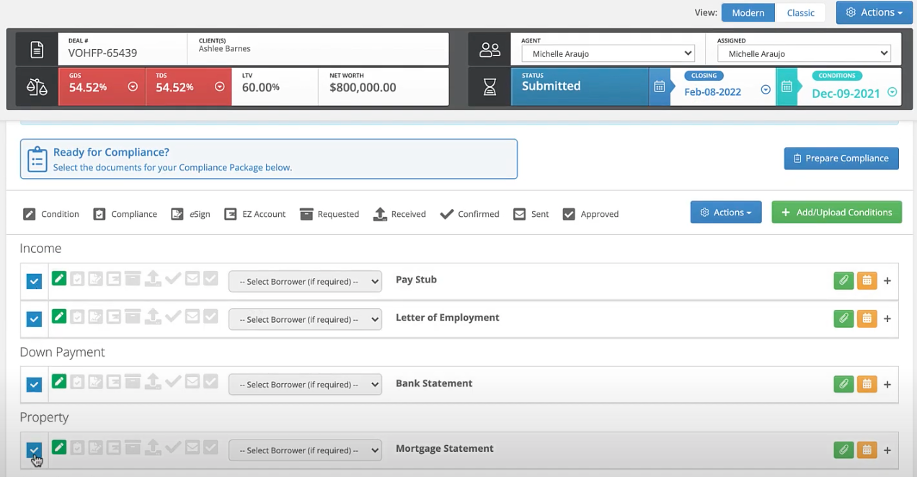
Step 1: After submitting your application, go to the Conditions and Documents Section, and select the documents you wish to submit.
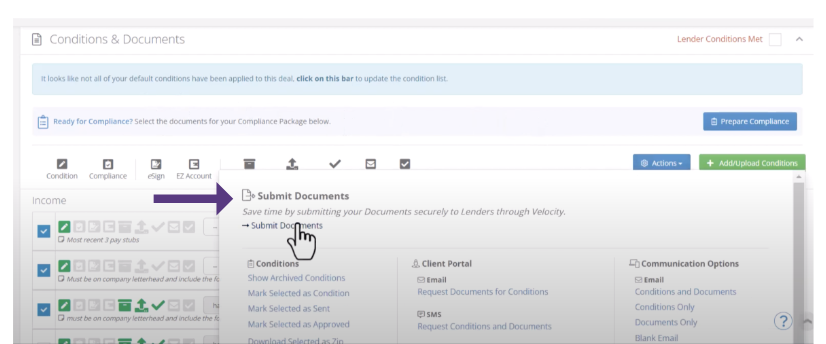
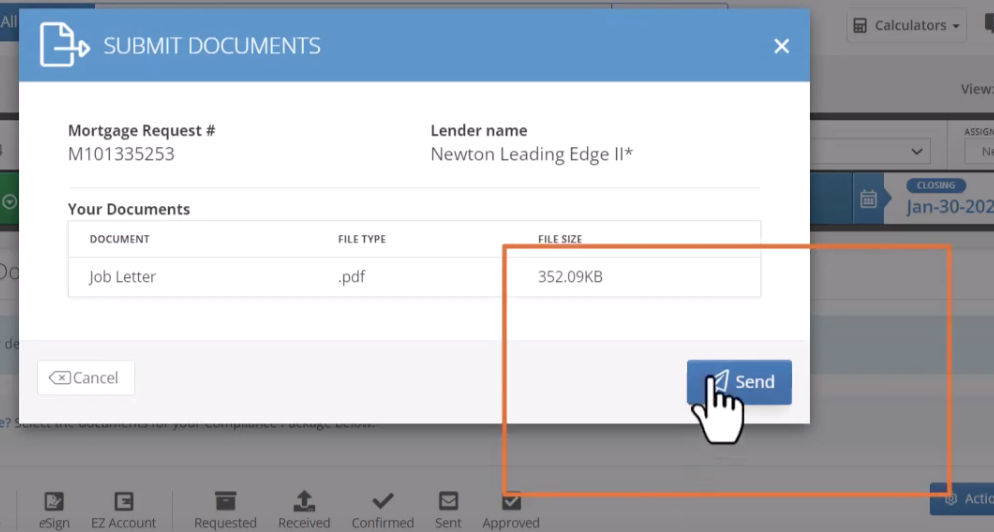
Step 2: Click Actions > Submit Documents.
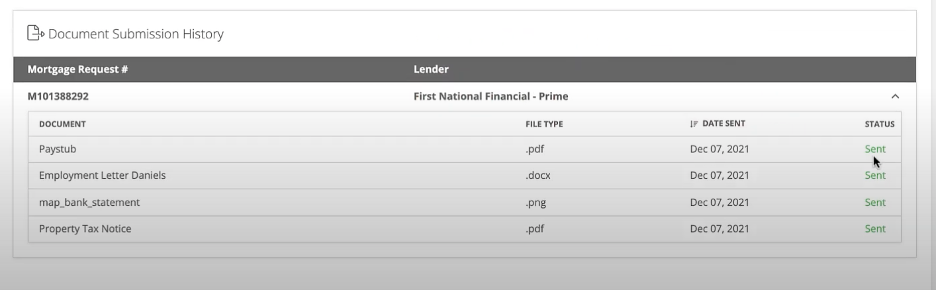
To see past document submissions, expand Document Submission History in the Conditions and Documents section.
Watch the video-
Comments
0 comments
Article is closed for comments.